World Cup Schedule App
Bishesh Tiwaree · 28 Jun 2026 · 5 min read
Back in the beginning of June, just around the time when the World Cup was about to begin, as a football fan I was looking into apps that would help me navigate the World Cup schedules better: groups overview, the games happening within the day (especially since a lot of games were happening off-hours for the European time zone), as well as being able to follow my favorite team and have games happening for my team front and center for the group stage. The most popular two football apps, in my opinion, are LiveScore, which has been there for some time now, and OneFootball. Both of them had their own problems: both involving a lot of clicks to be able to navigate things I mentioned before, and the latter being riddled with betting ads and ads in general, a lot of news and clutter in the UI that were irrelevant for my usage. Essentially I was looking for a very clean, minimal, mobile-first World Cup focused app that just did a couple of things and did them well.
I knew upfront that I was going to go with React, Vite and Cloudflare as my setup because of familiarity and ease of use.
Using Stitch to build design system and design UI wireframes
With that in mind I went ahead and designed a web app that was able to focus on all of the things that I just mentioned, providing a very minimal experience, fast loading time, and clean UI and UX. I designed the app using Google's Stitch. I think it did a reasonably good job at first building the design system for the app itself and then building the UI for the app.
Data Integration, Integrity and Serving
After I was happy with the design that Stitch came up with, I switched my focus to the data. There were a couple of things within the data:
1. The groups and fixture information, which are more or less static information. I want to store this static information as JSON so that we do not do any request on a regular basis. This is where I found: https://github.com/openfootball/worldcup.json. Thanks to folks who have been maintaining this repo, which contains all of the group information, stadium information, and group fixtures. This was more than sufficient for me to get started with the bare UI, where we'd be able to show the schedule, show the group information, team favorites, and the basic foundational JSON data.
2. Once that was out of the way, I focused on how I would get live game data. This being an app that I was just trying for fun, I didn't want to spend any money on it. Quickly I came to the realization that I did need to spend at least some amount of money to be able to get real-time or near real-time data, as a lot of these providers did not guarantee accurate or real-time data. I found https://www.thesportsdb.com/ to be the most reasonably priced option after some comparison with a few other data providers. €10 a month price point was something I was willing to sacrifice on this project. Although I was paying for the API, I did not want to bombard the API endpoint with constant requests. What I decided to do was instead store the match information (mostly goals, yellow cards, red cards) in a KV store in Cloudflare. The idea being I wanted to use Cloudflare Pages functions to be able to build a couple of API endpoints which would get the data from TheSportsDB and then store it in Cloudflare KV store. The API key lives in Cloudflare as a server-side secret, and KV access stays server-side, so neither is exposed to the frontend. With Edge cache and KV snapshots, I was able to build a reasonably real-time app with some caching mechanism as well as a freshness window of 25 seconds. I have multiple keys for the game info: one that provides me with the latest snapshot of all the in-play games; second: keys for live log of games that are happening between two teams. This would be something that would be reused in other parts of the web app to be able to show match results.
With these APIs in place I had to make sure that the endpoints could not be used or called by someone else, which is why I built a middleware gate where every API request requires same-origin browser fetch metadata (Sec-Fetch-Site/Origin) so other sites can't hotlink the API.
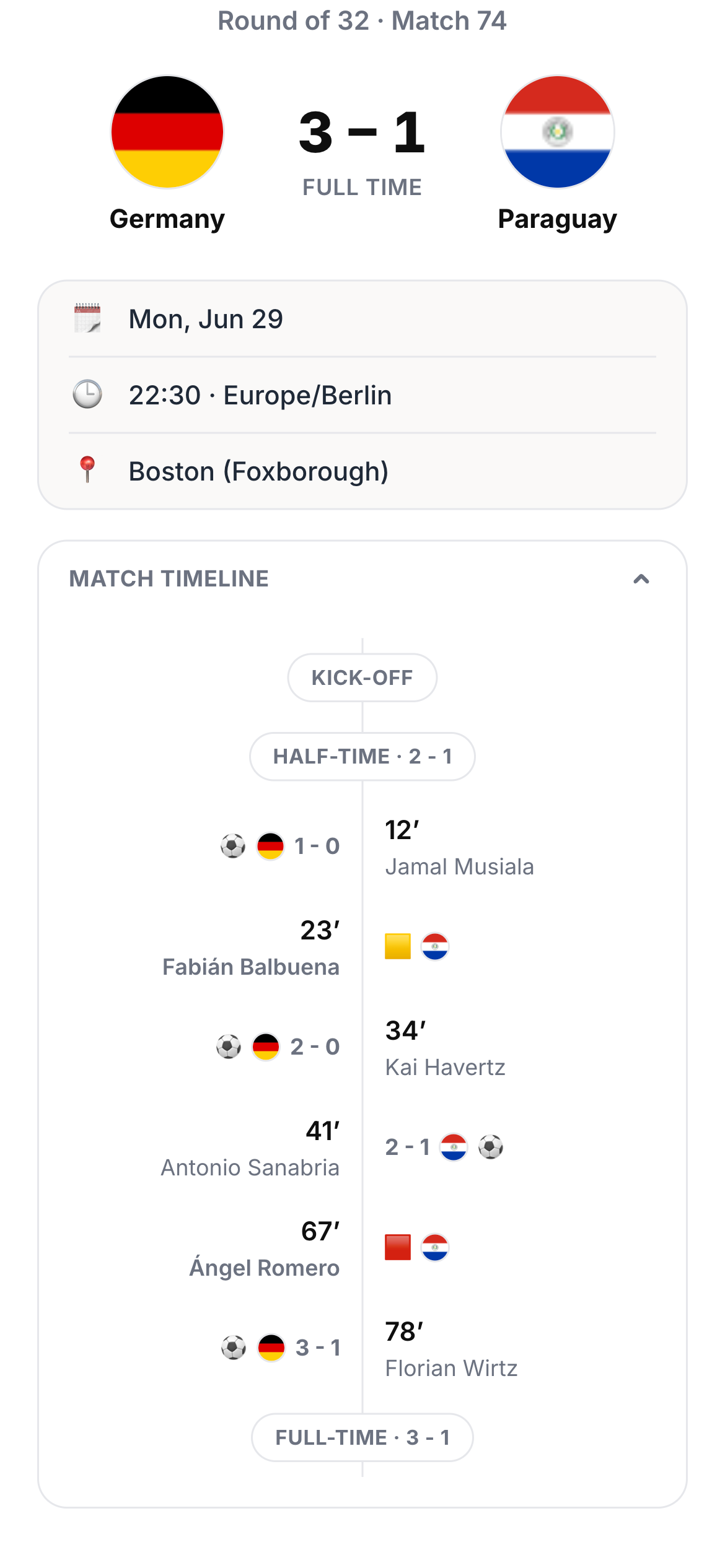
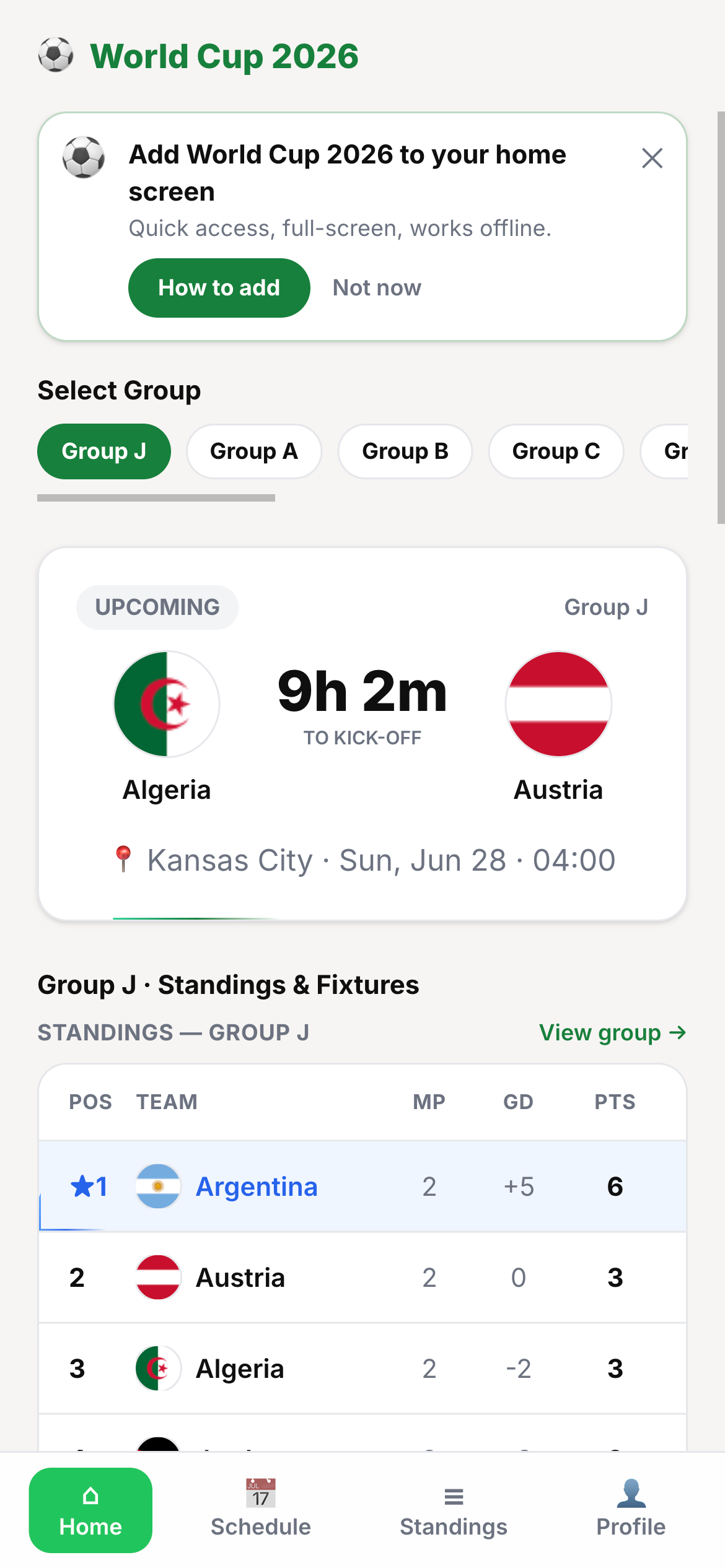
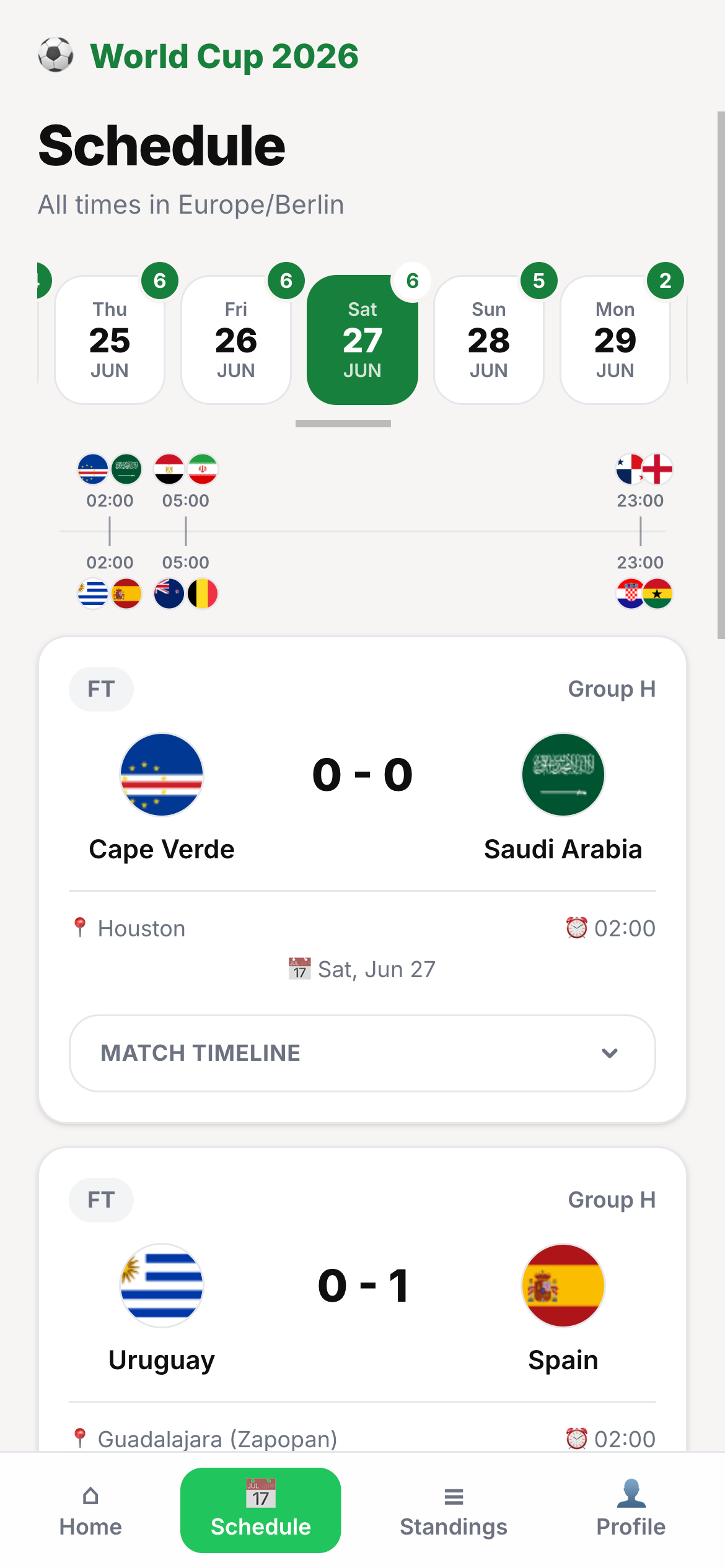
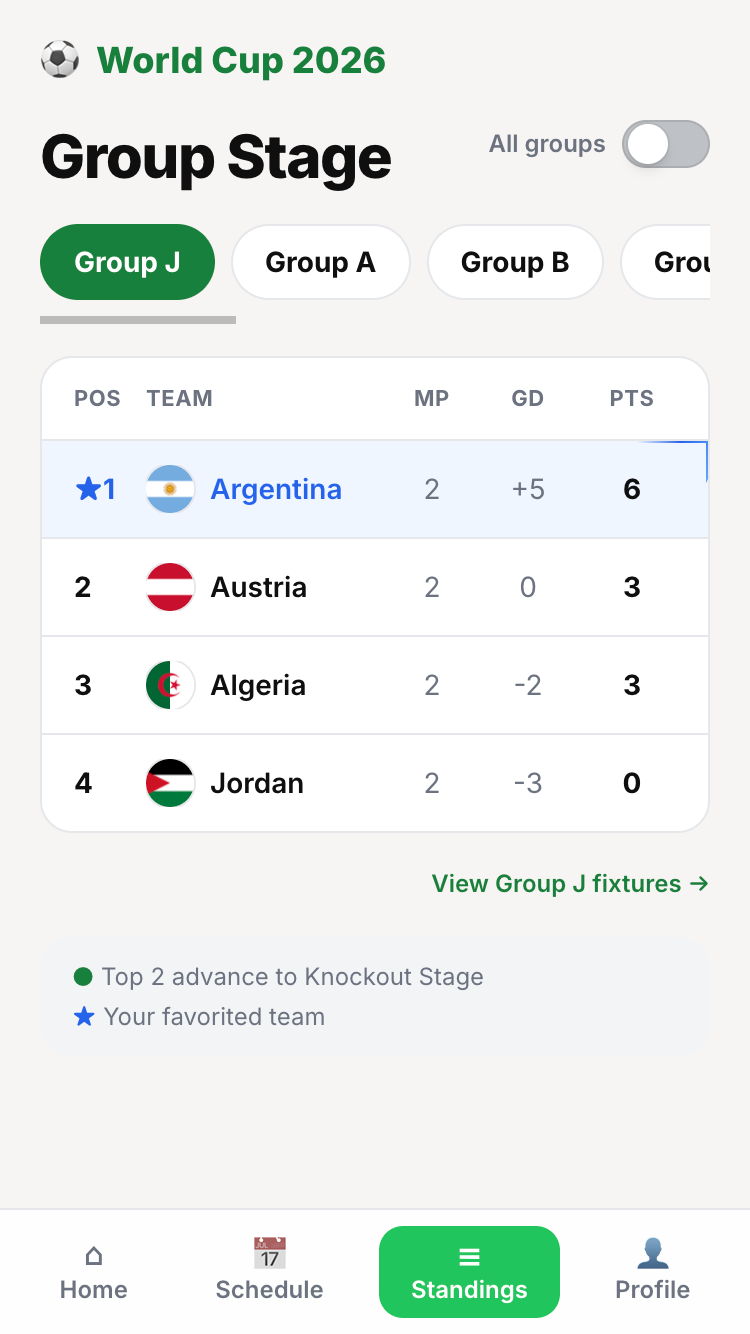
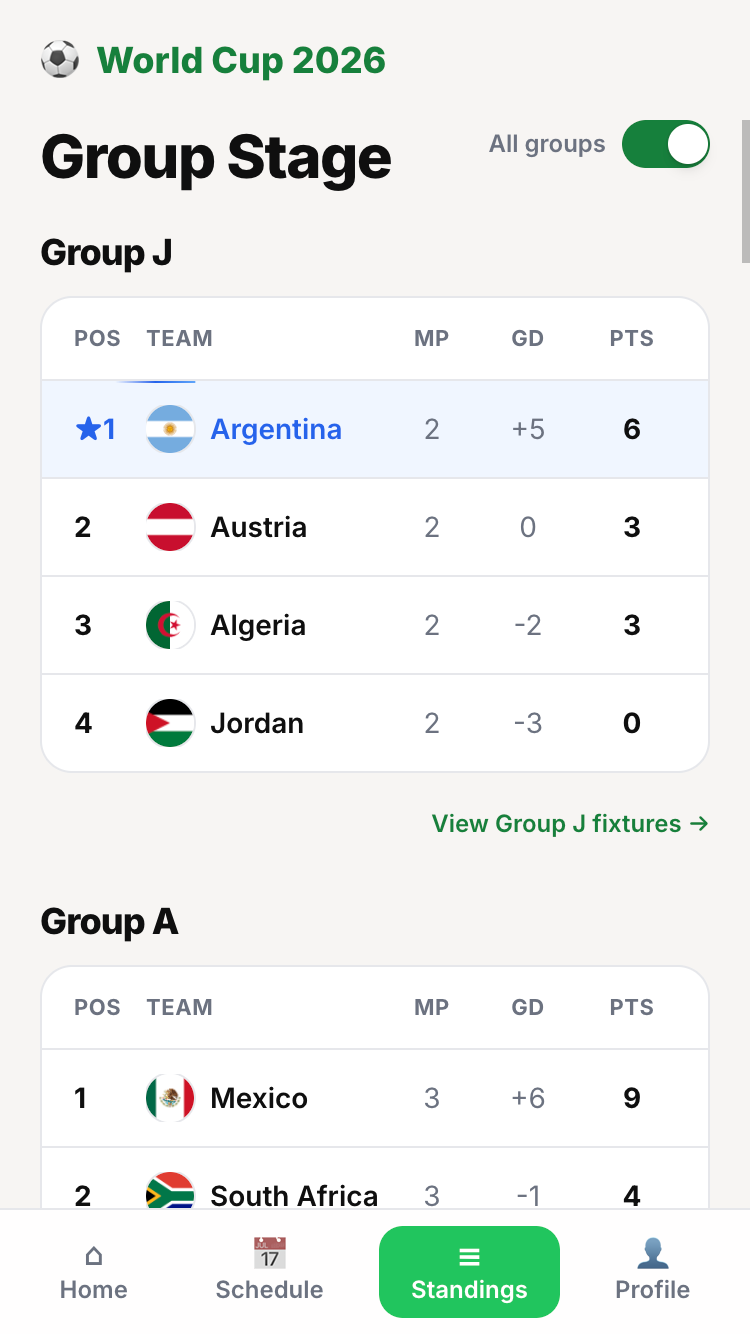
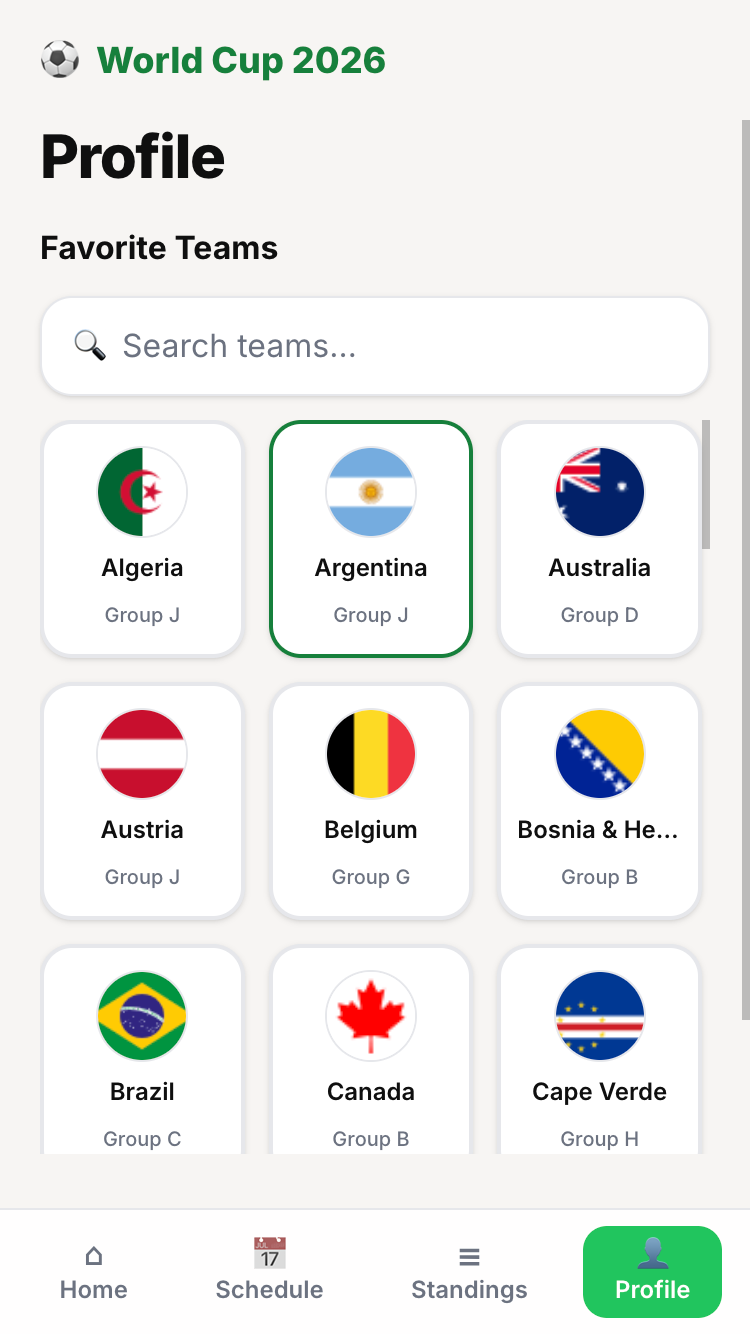
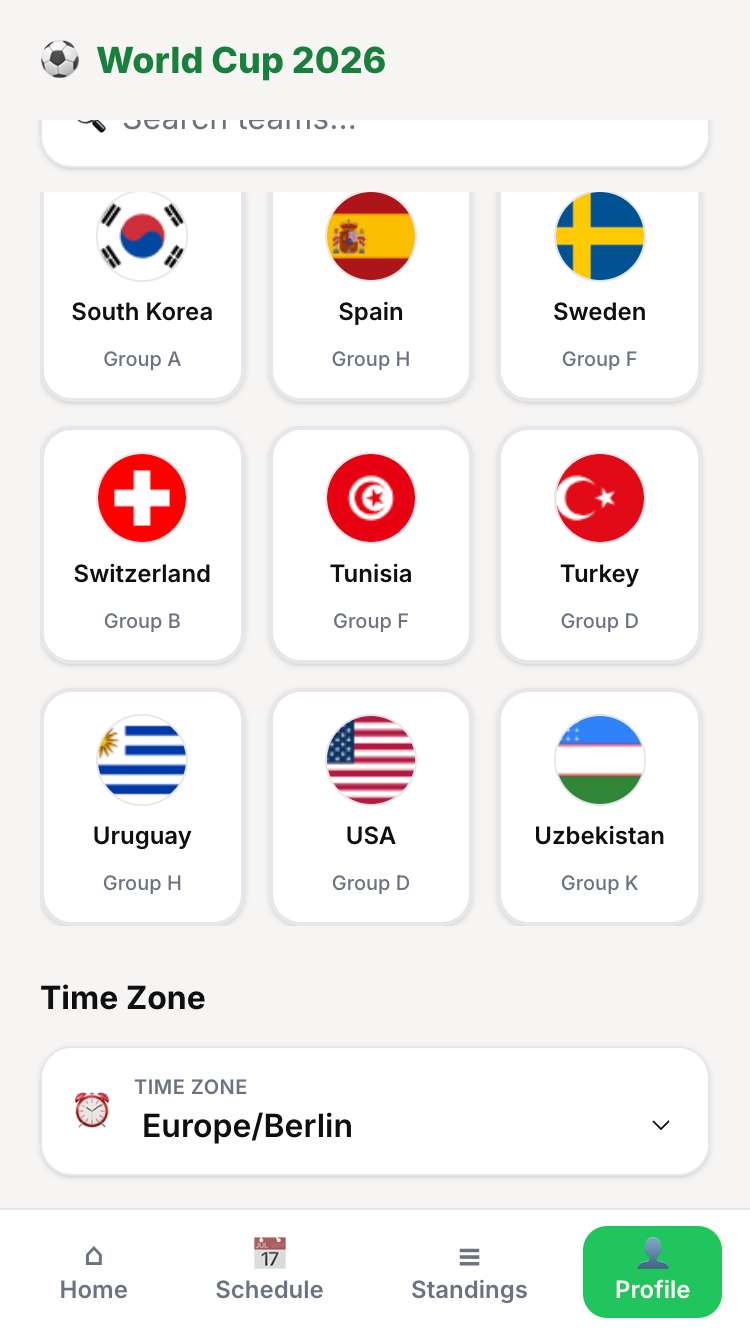
Minor UI hiccups
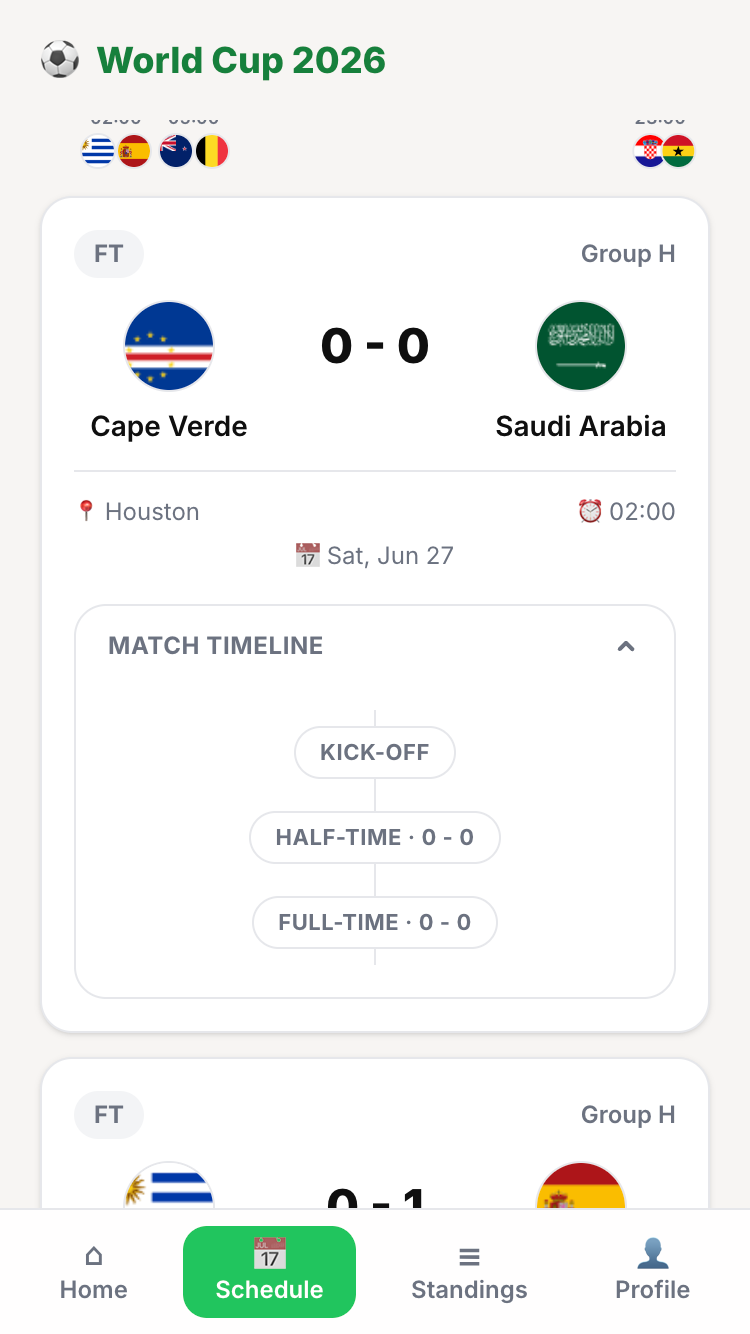
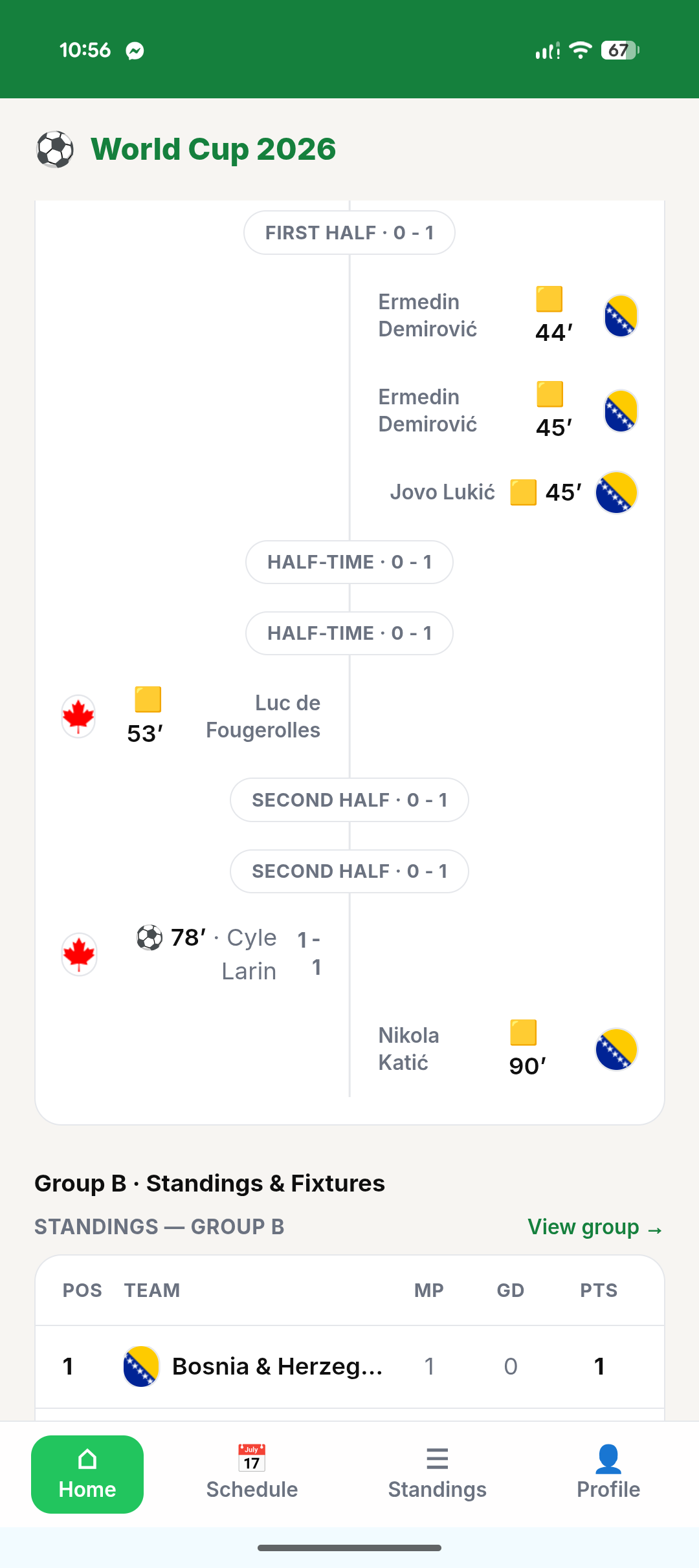
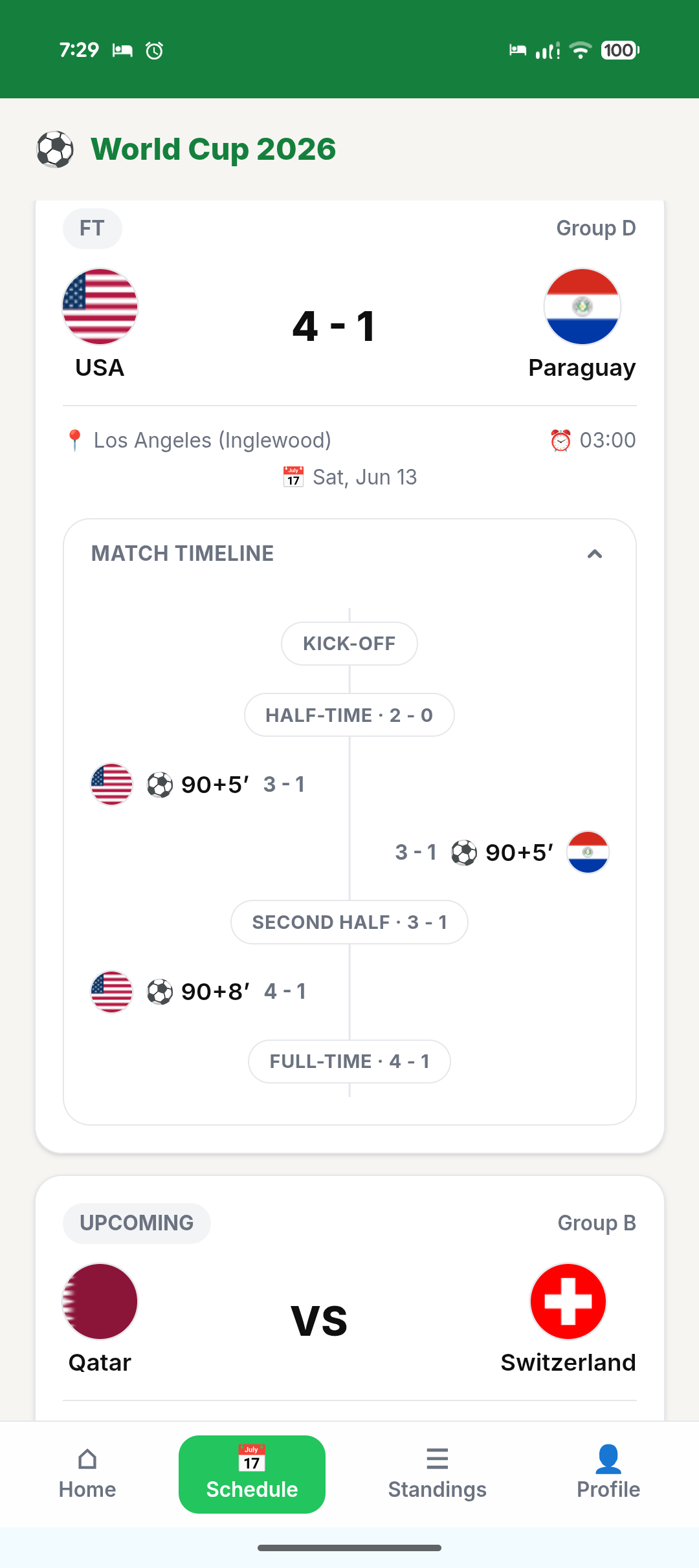
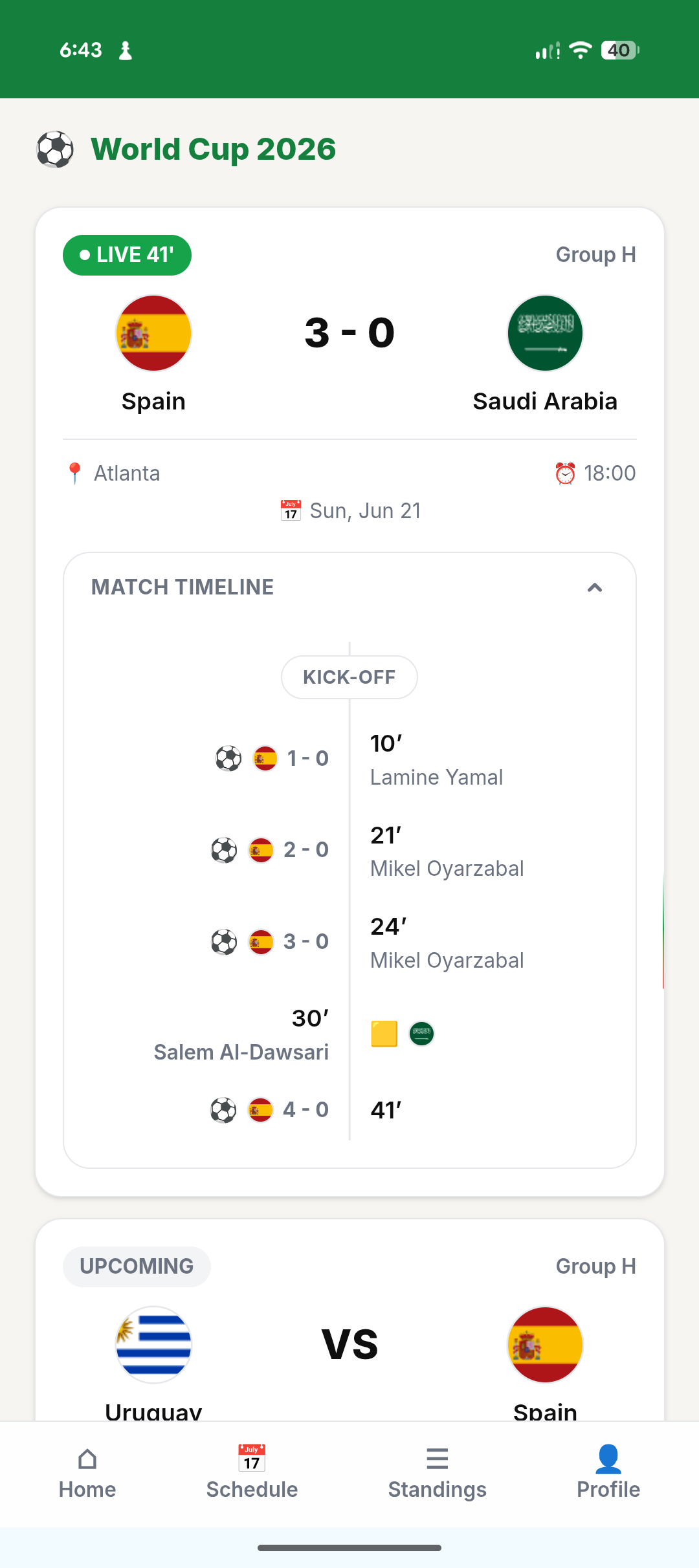
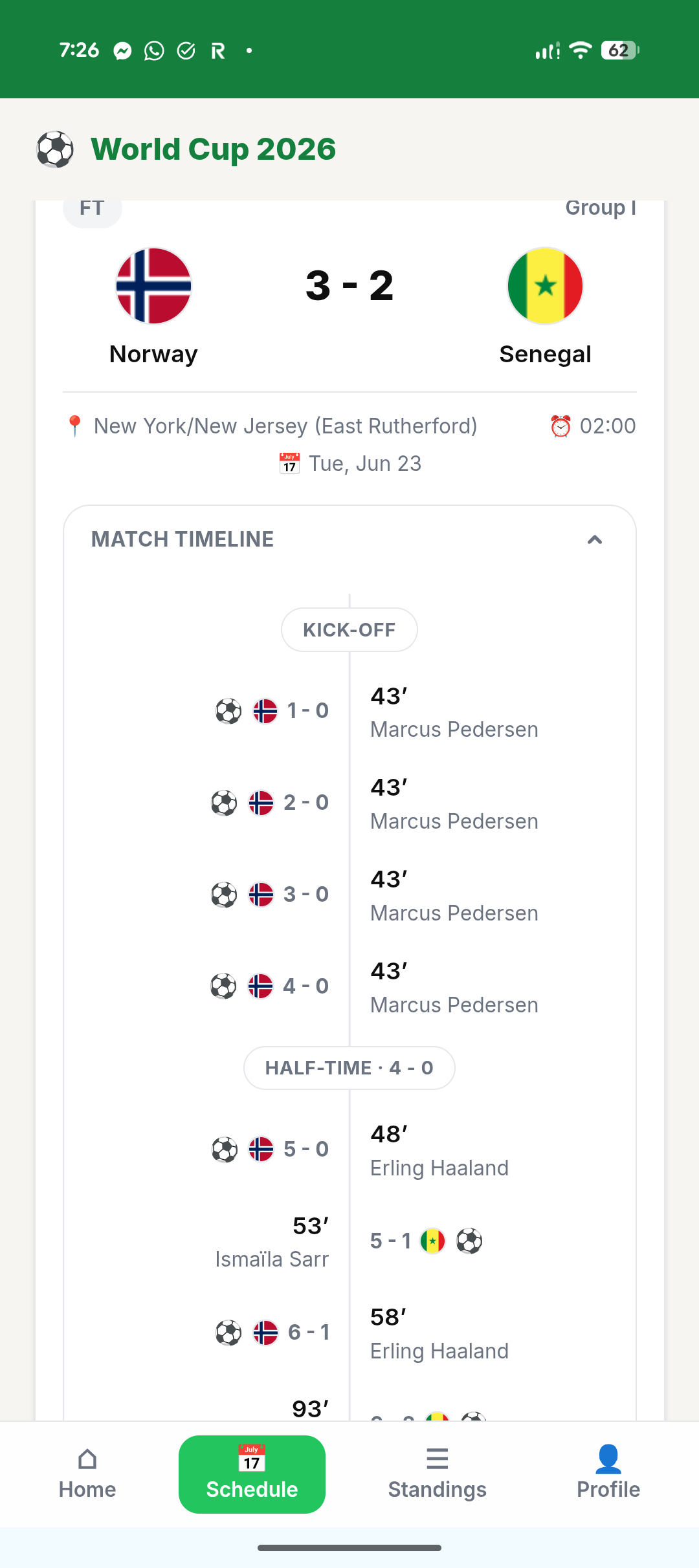
With all of the frontend as well as API setup in place, I tried to run a mock where the API endpoints would return me fake results. That was sufficient for me to be able to reliably know the UI would work in tandem with API endpoints before the first game kicked off. The data that was coming out of SportsDB was not perfect and that kind of caused a lot of hiccups in the UI, where a goal would be counted as two or even three sometimes. I had to build a lot of guardrails — mostly in the Cloudflare functions, with another pass in the frontend — to be able to sanitize the data.
Switching to knockout stage with Claude Design
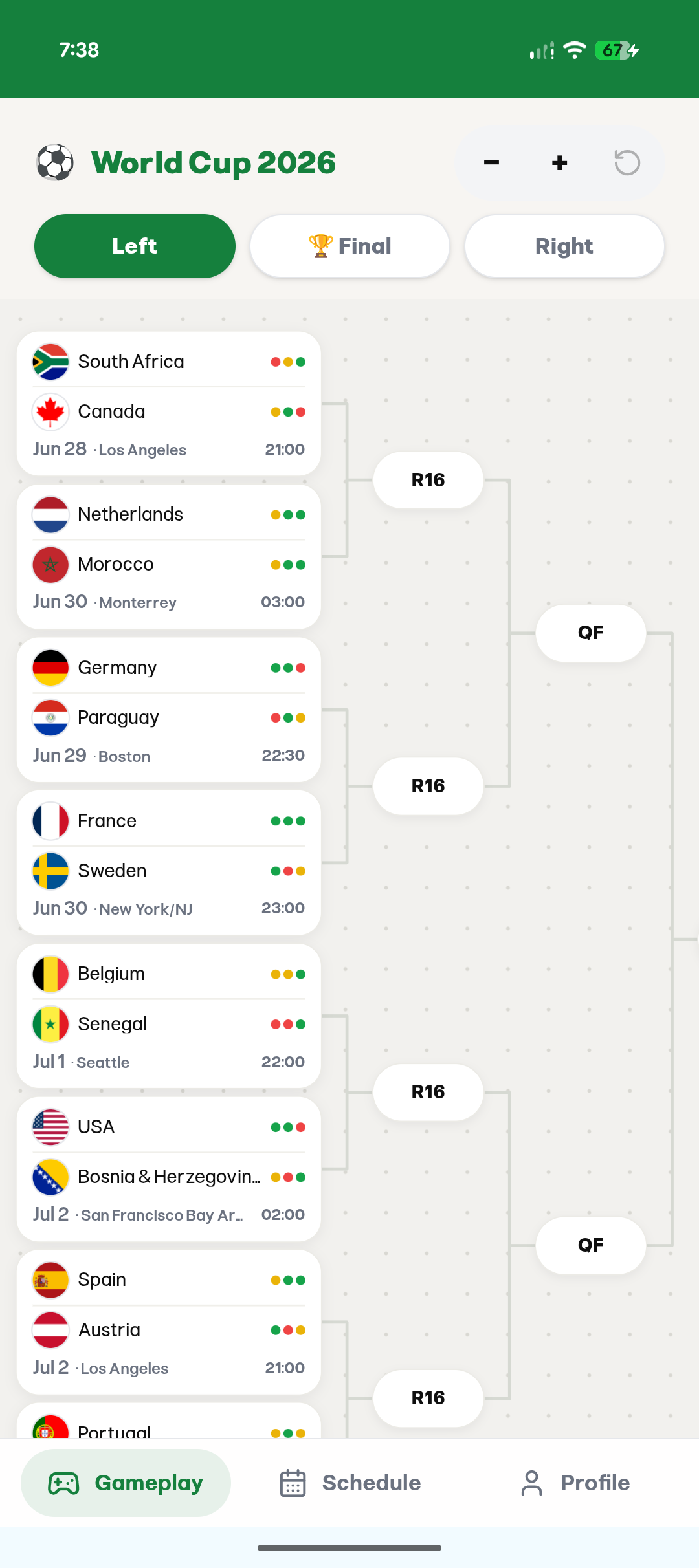
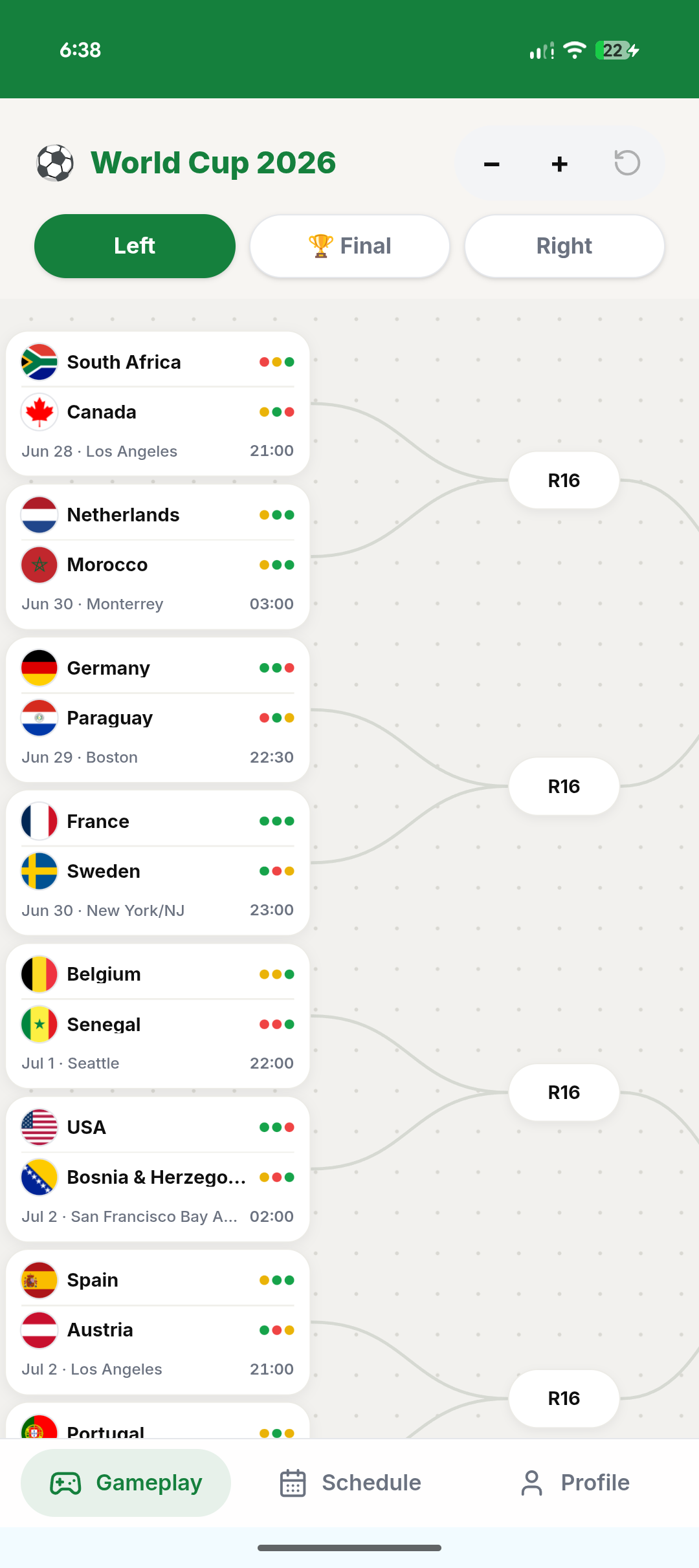
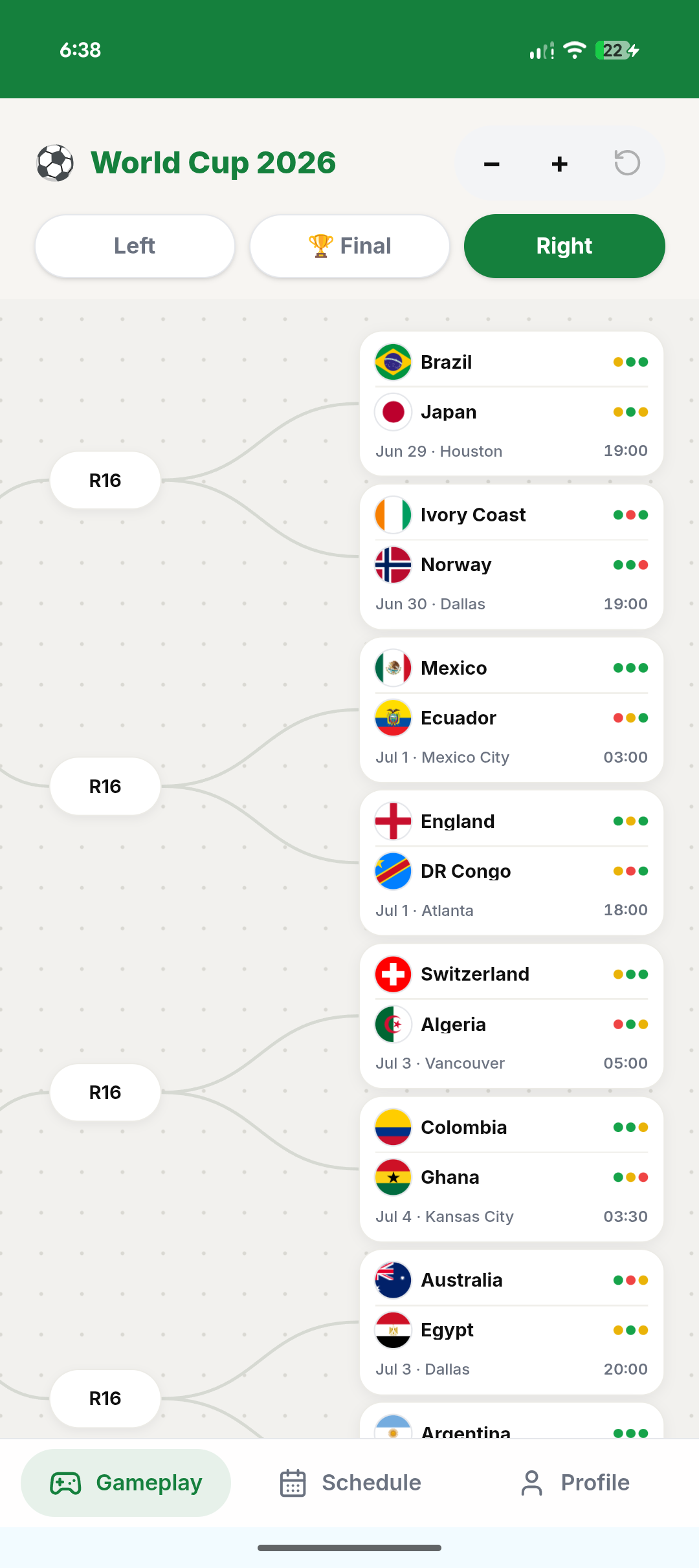
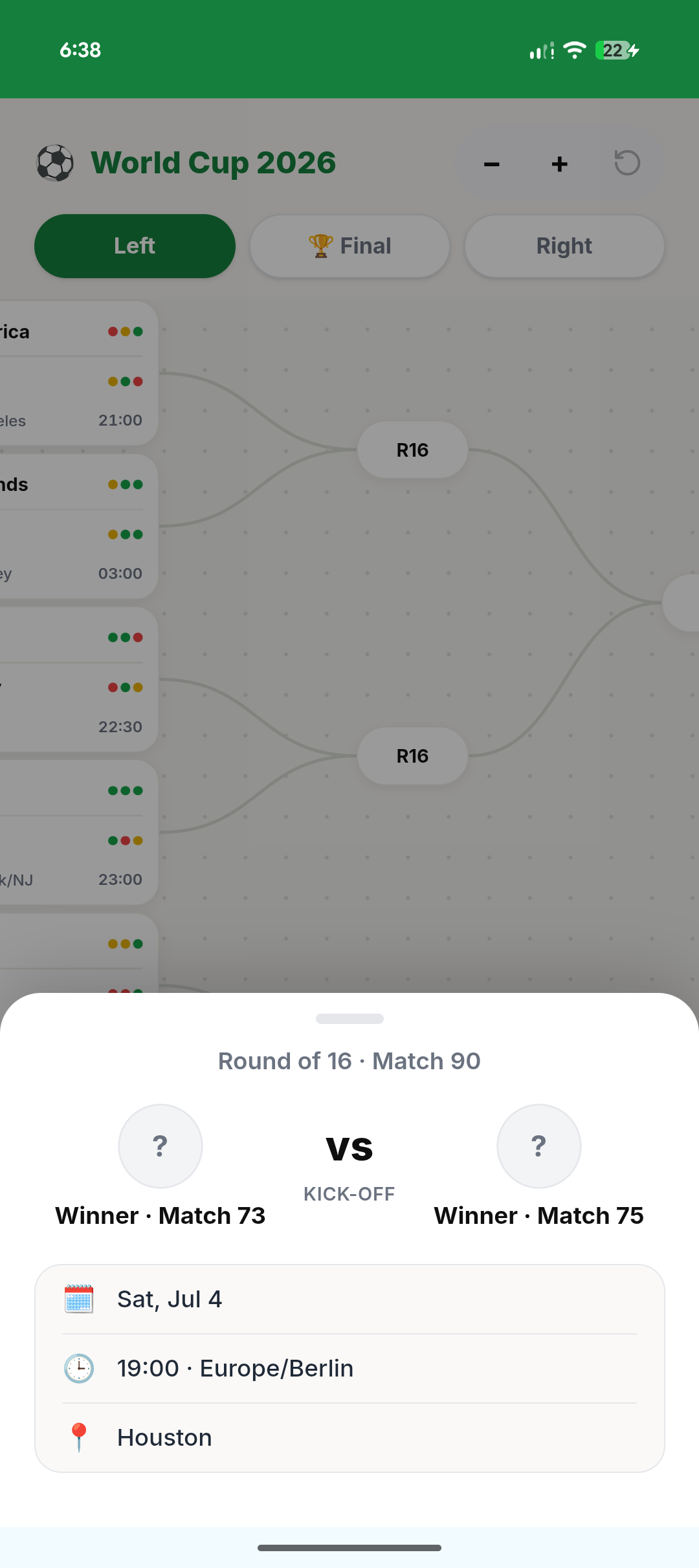
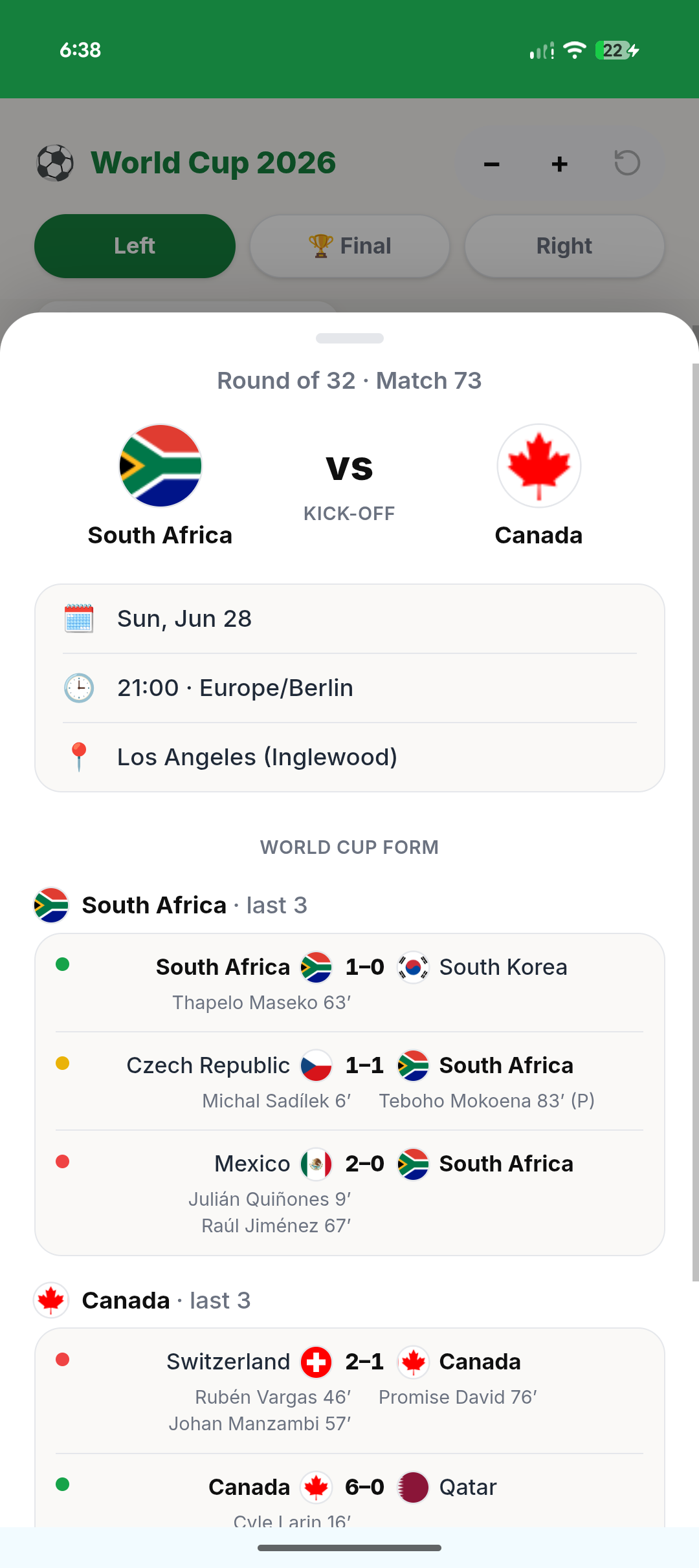
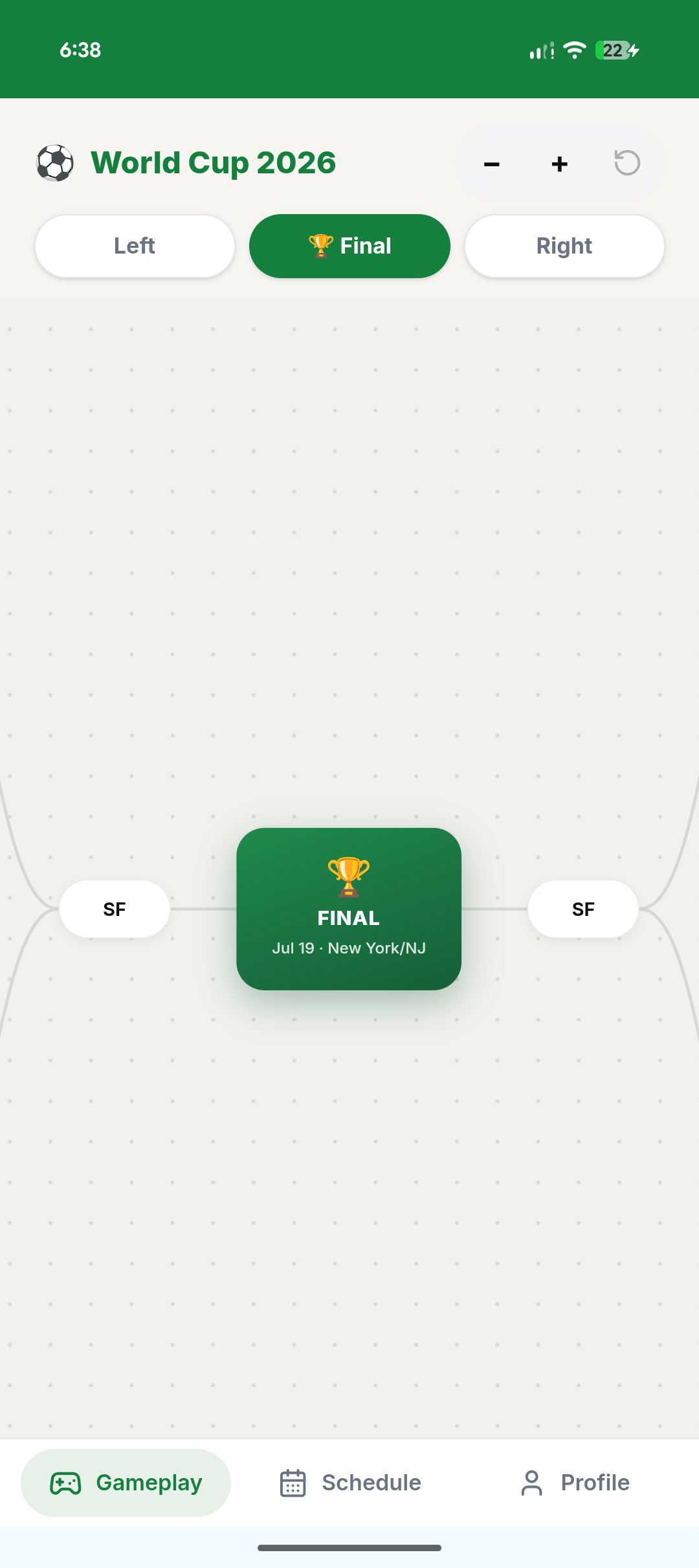
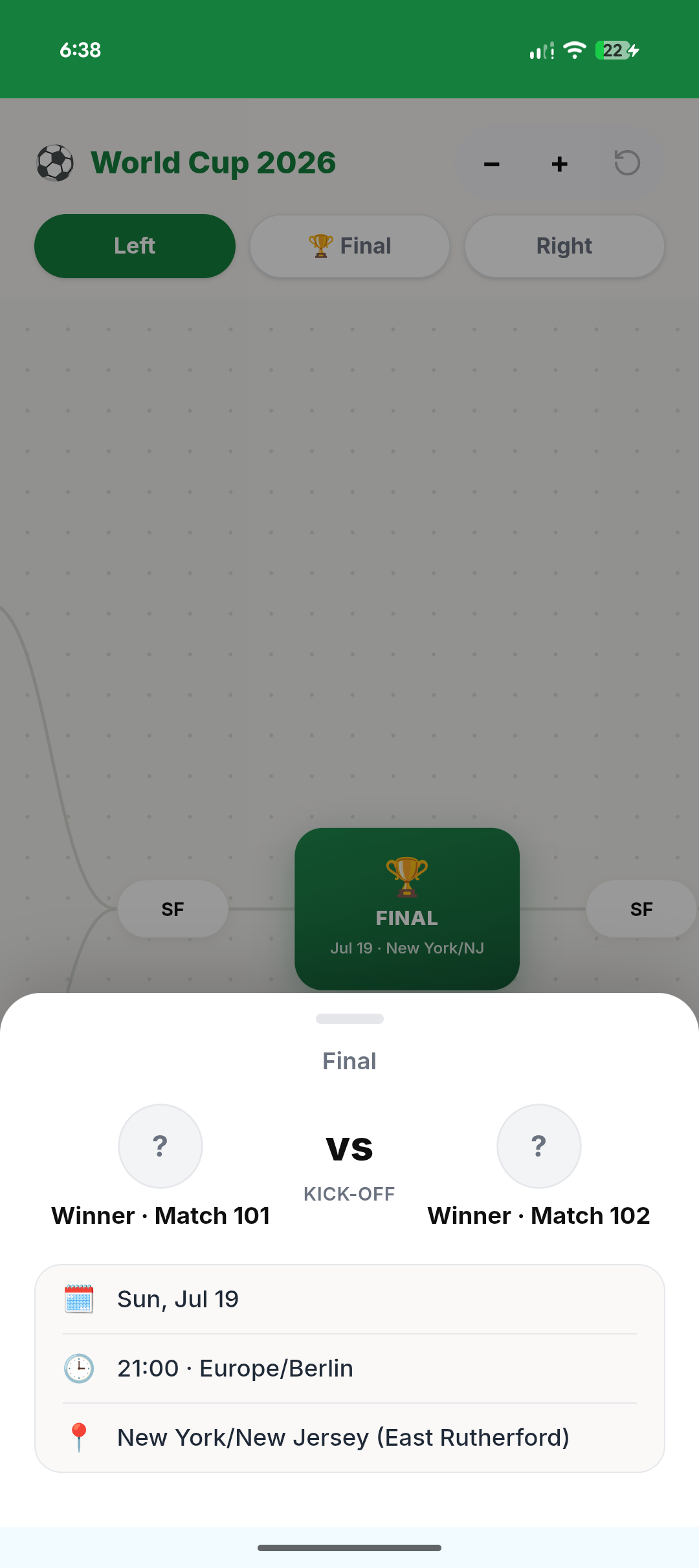
A lot of the UI I built for the group stages had to be disregarded and re-thought for the knockout stages. For this I used Claude design and I fed it the design system I had as well as the current UI and (after 1 hiccup session where the chat completely hung up) it was able to build me a mobile-first UI that kind of resembles the bracket UI where I'm able to see the group stages, the knockout bracket itself, all the way to the final, as well as each team's results from their previous three matches.
Tracking
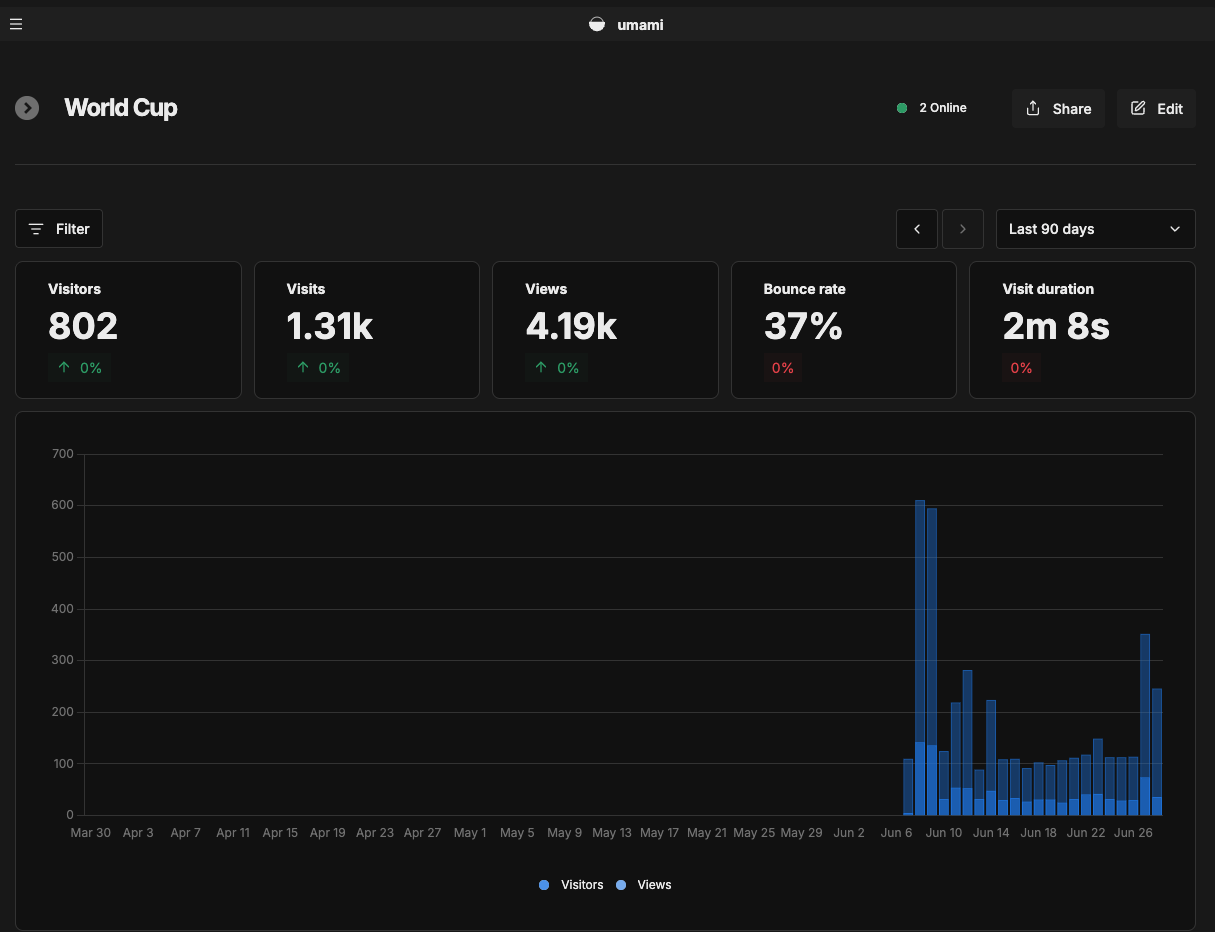
I love Umami as a tracking tool. Like my other projects, I also used Umami on this one, which provides cookie-less tracking. I posted a small blurb and link to the website in https://news.ycombinator.com/. Beside that, most of the traffic is organic and word-of-mouth.